14 · Expression
Isolate the object. Name it.
Our imagery has one job: show the display clearly enough that a buyer can picture it in their store. The display stands alone on white or a quiet grey, lit evenly, with its name and numbers beside it.
The standard product shot.
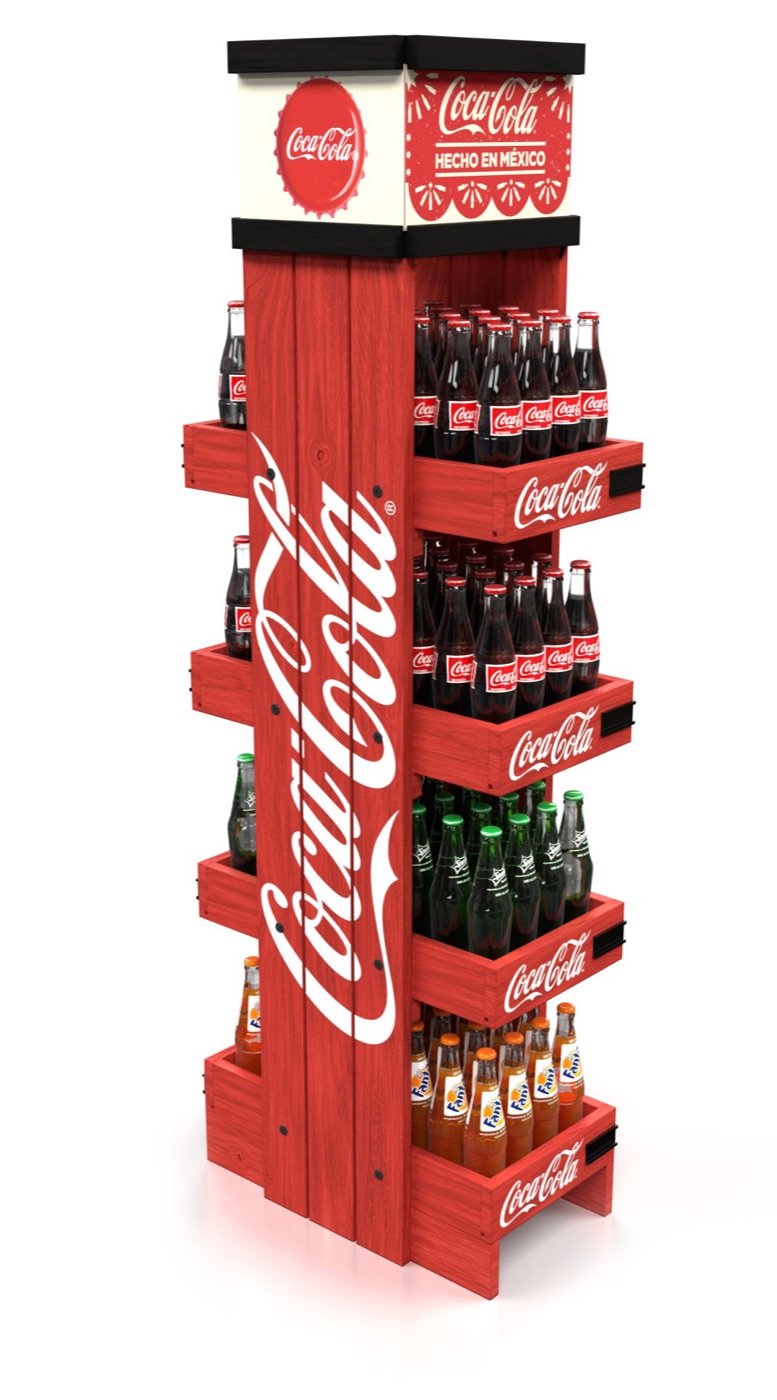
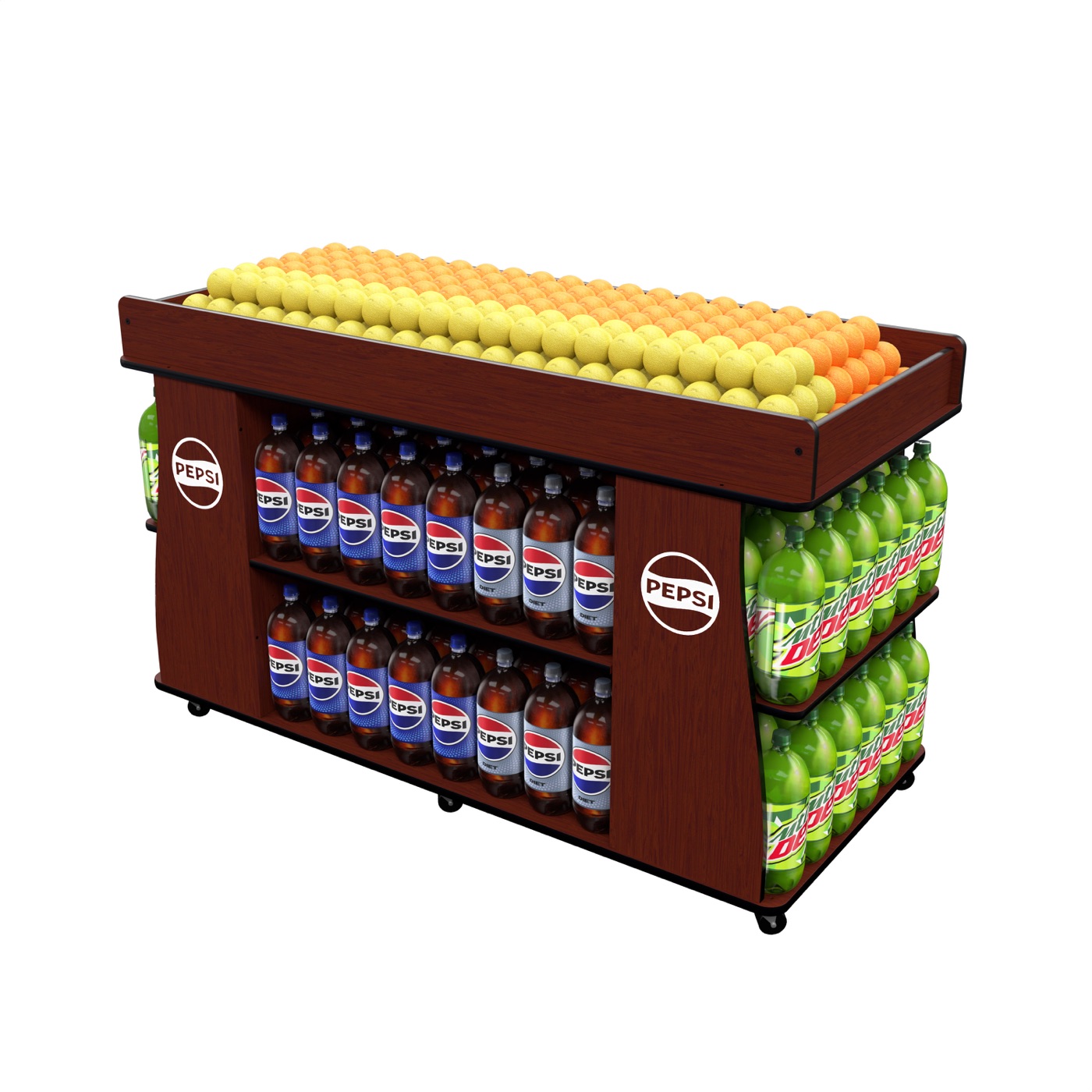
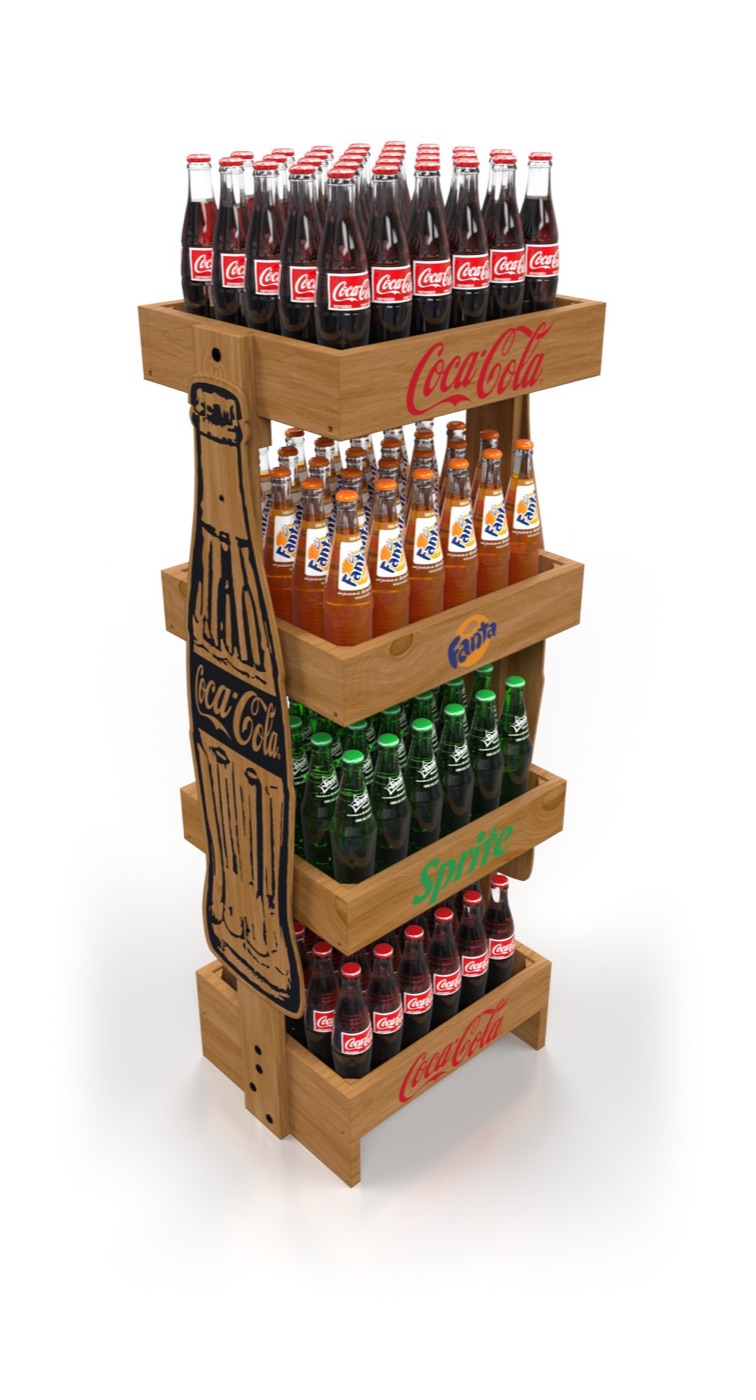
- Angle
- Three-quarter view, eye level at mid-display, slight upward angle for tall units
- Ground
- Pure white, or plate grey K6. Soft contact shadow only
- Fill
- Product fully loaded and faced, labels forward
- Crop
- Whole display in frame, 8–12% air on every side
- Caption
- Name, then materials or one dimension, in the mono
- Renders
- Allowed and expected. Mark them as renders in catalogs where a buyer could mistake them for a photo of stock
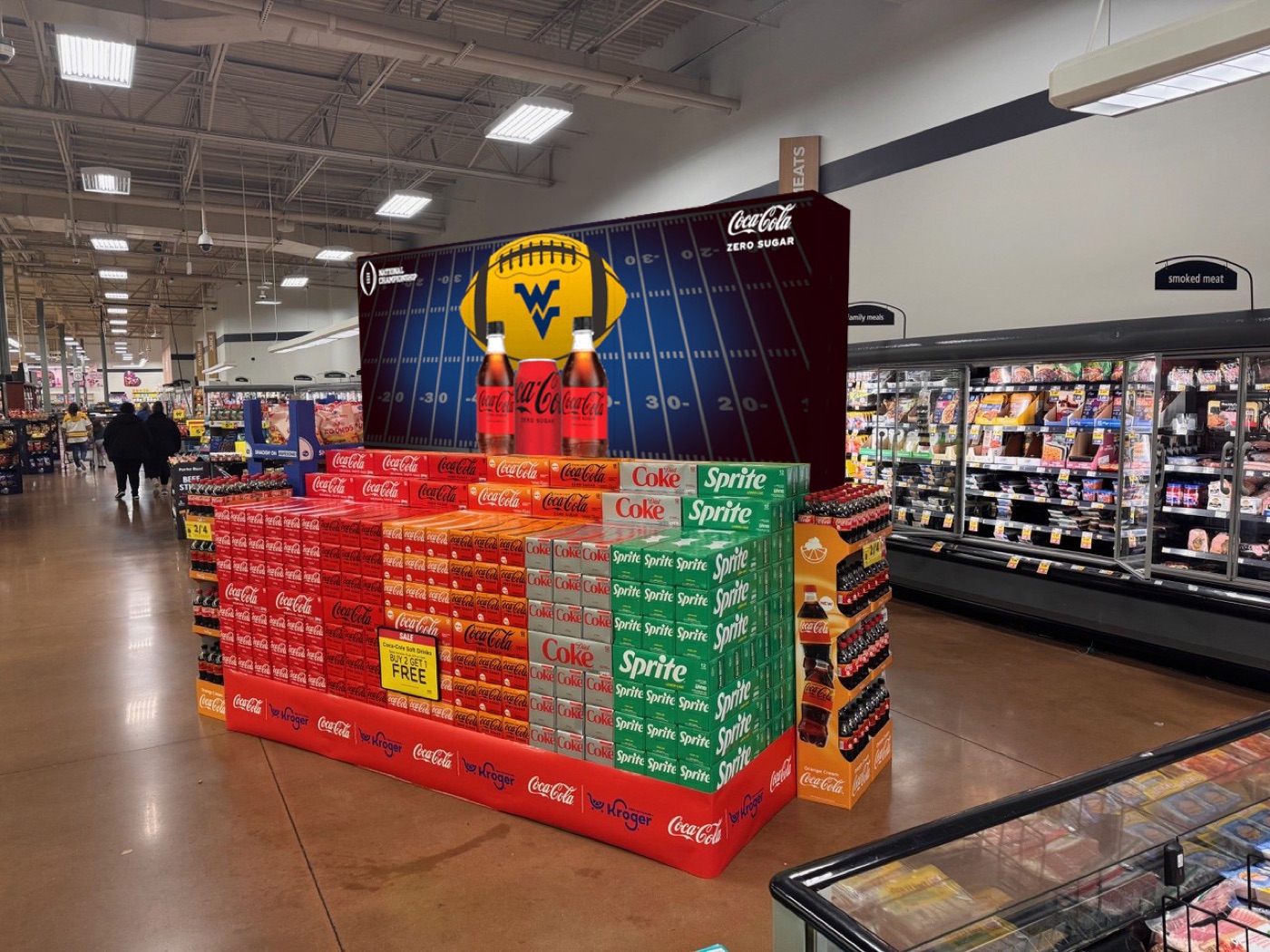
In the store.
Context shots show scale and placement: an end cap in an aisle, a sales center at the front of a store. Use one per story, after the isolated shot, never instead of it.
Real installs beat composites. When we have a photo of the display in a customer's store, with permission, use it. A composite must never be presented as a real installation.
What to avoid.
Busy backgrounds
Coloured gradients, fake showrooms and lens flares. The product is the colour; the ground stays quiet.
Borrowed brands as our hero
A customer's display is their brand. On our own materials it illustrates a capability, with the customer's permission; it is never our logo's backdrop.
Stock photography
No stock warehouses, handshakes or generic shoppers. If we did not make it or shoot it, it does not represent us.
What we still need. Almost all current imagery is 3D renders. A real photo shoot of stock units, the drawing-to-display process and a few store installs is the biggest gap in the system. See Decisions + open items.